> For the complete documentation index, see [llms.txt](https://motion-studio.mtmograph.com/llms.txt). Markdown versions of documentation pages are available by appending `.md` to page URLs; this page is available as [Markdown](https://motion-studio.mtmograph.com/ae-extension/easing/cubic-graph.md).
# Cubic Graph
Cubic Bezier Graph
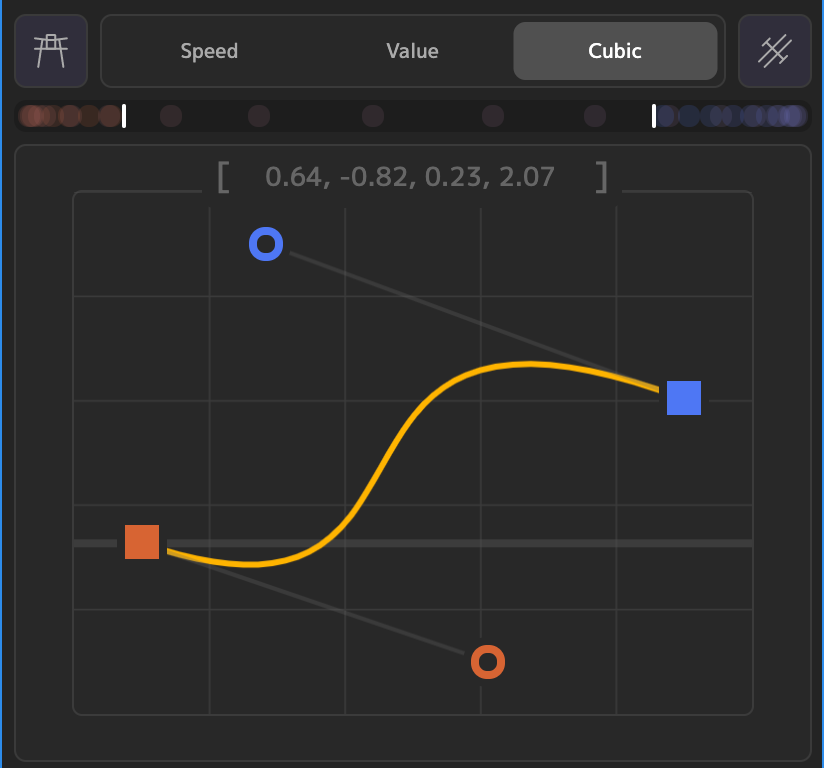
This graph view will show the cubic bezier curve for 2 selected keyframes. Cubic bezier curves are used extensively in CSS animation, making it easy to apply these eases to your AE keyframes.
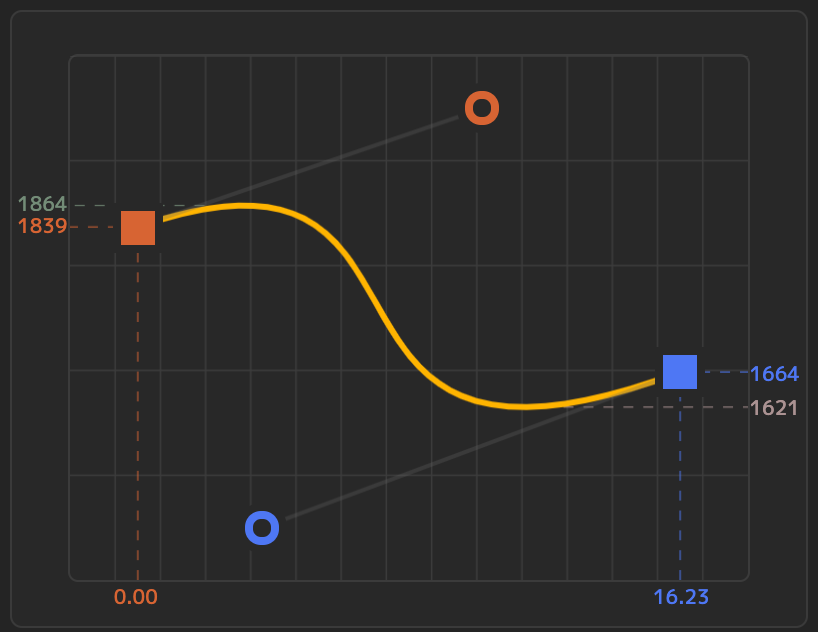
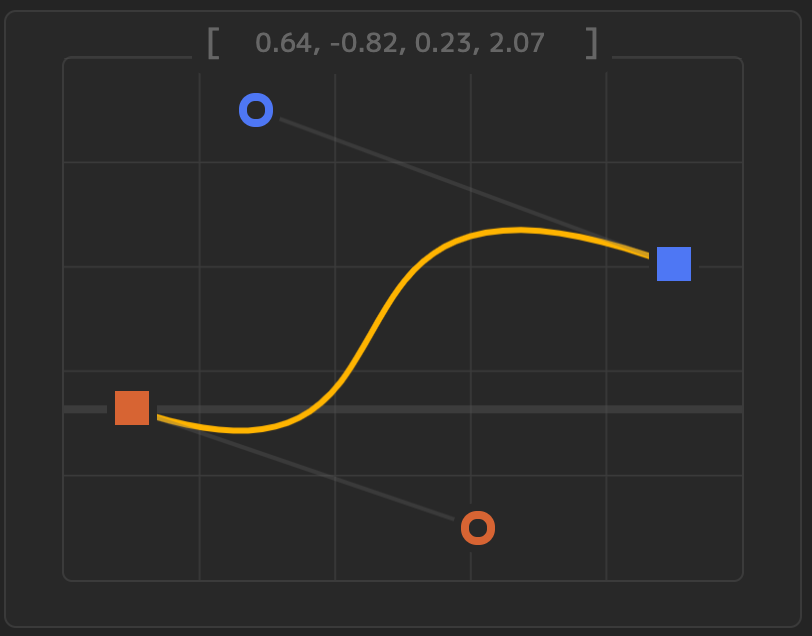
At the top of the graph are the bezier values, of the form **\[x1, y1, x2, y2]**, which represent the coordinates for the first and second bezier handles, respectively. The cubic bezier graph always assumes the first keyframe is at point (0,0), and the second keyframe is at point (1,1). Because of this, the cubic bezier graph will not always 'look like' your value graph. Chances are, if your keyframe values are increasing, (key1 < key2), then the graphs will look the same, but if they are decreasing (key1 > key2), then the graph will look flipped:
Value graph with decreasing keyframe values
Bezier graph showing normalized curve
### Editing Values
The bezier values in the header are a text box, and can be edited directly. They can also be copied to your clipboard.
Editing values
### Single Keyframe
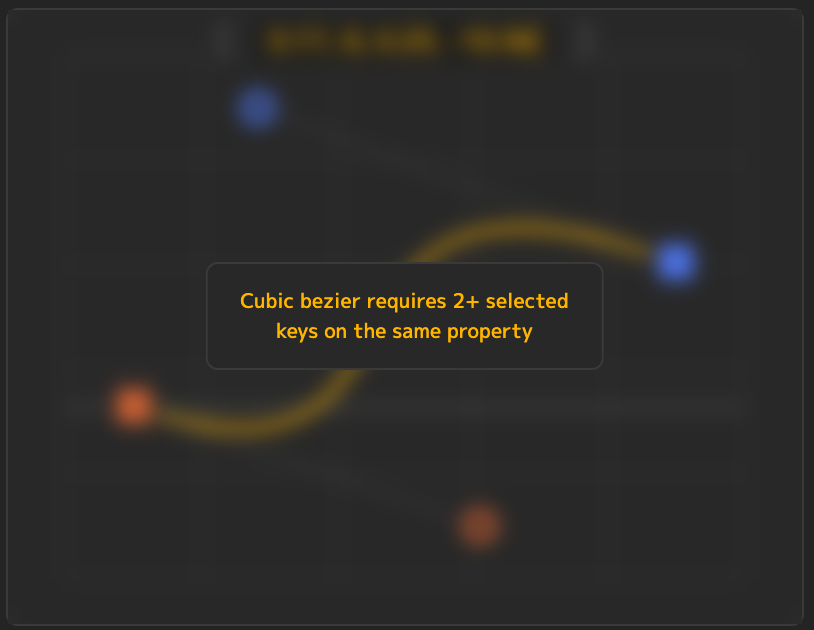
Note that the Cubic Bezier graph always requires at least 2 keyframes to be selected. If there is only one selected, you will see this error: